> ## Documentation Index
> Fetch the complete documentation index at: https://io.net/docs/llms.txt
> Use this file to discover all available pages before exploring further.
# Chat
> Chat with IO Intelligence models, optionally enhanced by real-time web search.
**Chat** lets you interact with IO Intelligence's open-source language models directly from the io.net Dashboard. You can ask questions, get explanations, draft content, and — when you need fresh information — enable **web search** so the model can incorporate live results into its answers.
## How it works
When web search is enabled, the model issues queries to the web in real time and uses the retrieved snippets as additional context for its response. When web search is disabled, the model answers from its pretrained knowledge alone.
## Getting Started
To begin using **Chat**:
1. Go to your **io.net Dashboard**.
2. Navigate to [**Chat**](https://ai.io.net/ai/re) within **IO Intelligence**.
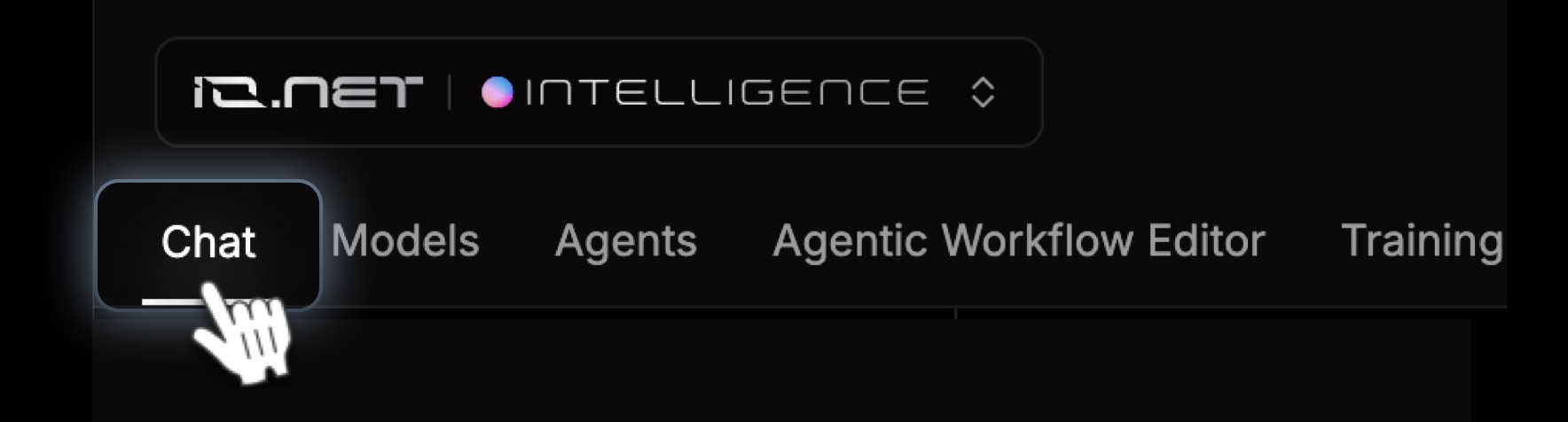 3. Type your question or command in the chat box and start chatting.
## Key Features
1. **Chat with the model**
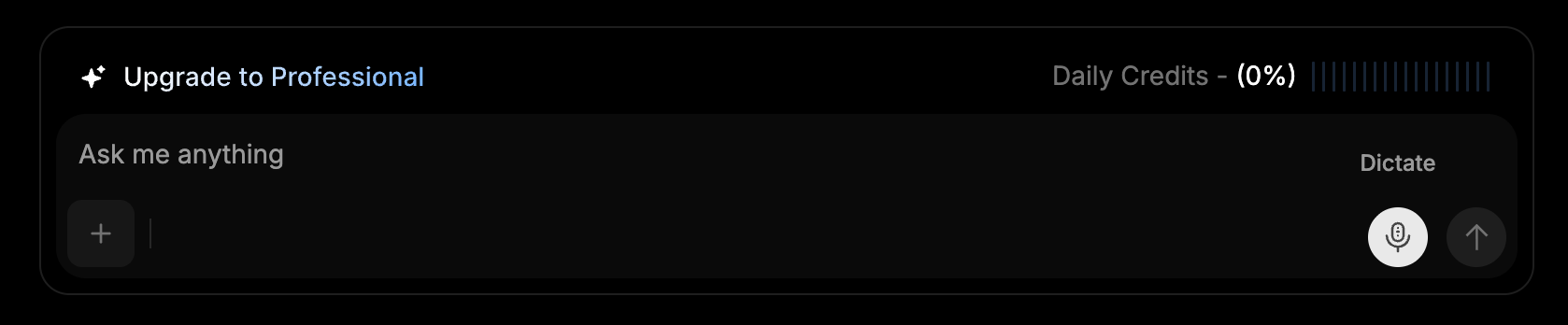
* Type your question or command in the chat box at the bottom of the page.
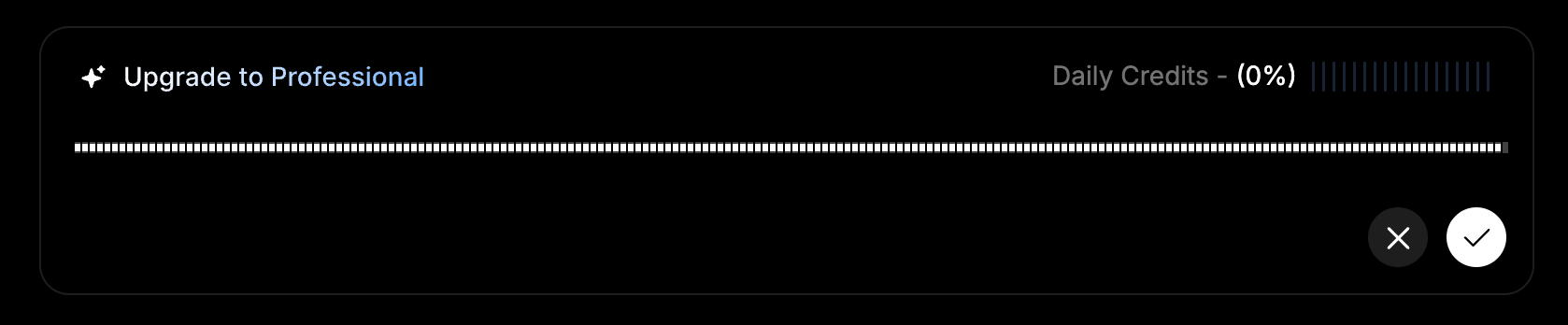
* Use the microphone icon to record voice input (if preferred).
3. Type your question or command in the chat box and start chatting.
## Key Features
1. **Chat with the model**
* Type your question or command in the chat box at the bottom of the page.
* Use the microphone icon to record voice input (if preferred).
 * Each interaction **consumes tokens**.
2. **Enable web search**
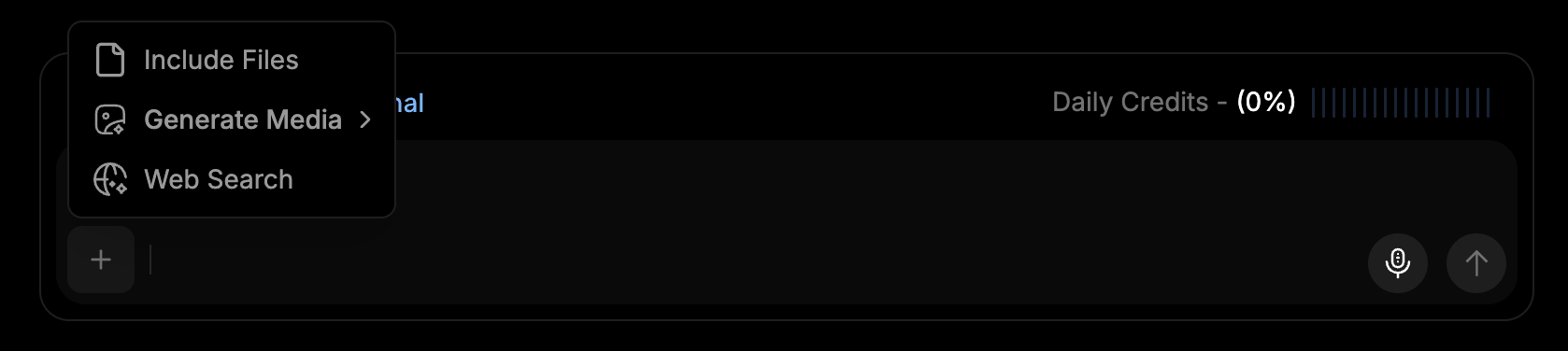
* Toggle **web search** on to let the model fetch live results from the web before answering.
* This is useful when you need current information that may not be in the model's training data.
* Each interaction **consumes tokens**.
2. **Enable web search**
* Toggle **web search** on to let the model fetch live results from the web before answering.
* This is useful when you need current information that may not be in the model's training data.
 ## Communicating with Chat
### How to Ask Questions
1. Enter your question or prompt in the **chat field**.
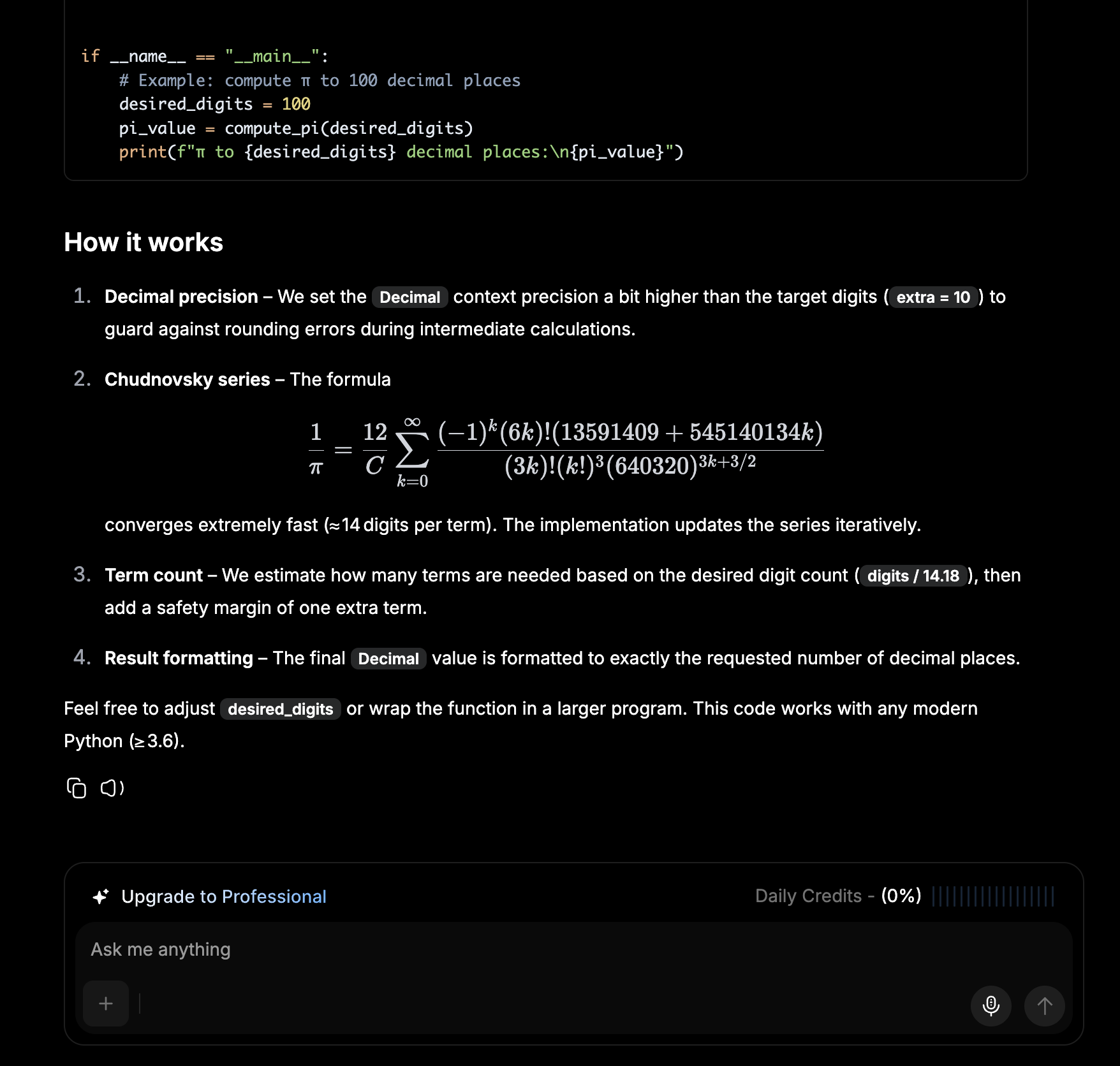
2. The model will generate a response, optionally enriched with web search results when that option is enabled.
### What Each Response Includes
* **Clear, concise answer** — directly addressing your query.
* **Reasoning breakdown** — explaining how the model reached the conclusion.
* **Tools or agents used** — showing any additional AI functions applied.
* **Web sources** — when web search is enabled, links to the pages used to inform the response.
## Communicating with Chat
### How to Ask Questions
1. Enter your question or prompt in the **chat field**.
2. The model will generate a response, optionally enriched with web search results when that option is enabled.
### What Each Response Includes
* **Clear, concise answer** — directly addressing your query.
* **Reasoning breakdown** — explaining how the model reached the conclusion.
* **Tools or agents used** — showing any additional AI functions applied.
* **Web sources** — when web search is enabled, links to the pages used to inform the response.
 ### Example Use Cases
* General Q\&A and brainstorming
* Code explanations and snippets
* Quick lookups with up-to-date web context
* Drafting emails, summaries, and outlines
## IO Credits and Token Management
Each chat interaction consumes tokens, which are **automatically refreshed daily**. If you reach the daily token limit of your plan and need additional usage, you can purchase **IO Credits** to continue without interruption:
When your daily quota limit is reached, the system will automatically switch to consuming your available **IO Credits** for continued usage — this applies across all subscription tiers.
1. Click **Buy IO Credits** or **Upgrade to Professional** to continue when you run out of **Daily Credits**.
2. Complete your purchase to gain access to:
* **Unlimited responses and storage** — continue conversations without restrictions.
* **Advanced AI insights and automation** — unlock enhanced features and capabilities.
* **Dedicated account management** — receive personalized support when needed.
### Example Use Cases
* General Q\&A and brainstorming
* Code explanations and snippets
* Quick lookups with up-to-date web context
* Drafting emails, summaries, and outlines
## IO Credits and Token Management
Each chat interaction consumes tokens, which are **automatically refreshed daily**. If you reach the daily token limit of your plan and need additional usage, you can purchase **IO Credits** to continue without interruption:
When your daily quota limit is reached, the system will automatically switch to consuming your available **IO Credits** for continued usage — this applies across all subscription tiers.
1. Click **Buy IO Credits** or **Upgrade to Professional** to continue when you run out of **Daily Credits**.
2. Complete your purchase to gain access to:
* **Unlimited responses and storage** — continue conversations without restrictions.
* **Advanced AI insights and automation** — unlock enhanced features and capabilities.
* **Dedicated account management** — receive personalized support when needed.