> ## Documentation Index
> Fetch the complete documentation index at: https://io.net/docs/llms.txt
> Use this file to discover all available pages before exploring further.
# Co-staking
> Co-staking allows third parties to stake on devices and share block rewards. As a co-staker, you contribute to an existing staking offer and receive a share of the block rewards based on the agreed-upon percentage.
## Table of Contents
* [The Staking Marketplace](/guides/staking/co-staking#the-staking-marketplace)
* [Co-stake to a Device](/guides/staking/co-staking#costake-to-a-device)
Co-staking allows third parties to stake on devices and share block rewards.
Devices failing to meet IO.net criteria may result in slashing, affecting rewards and principal.
## The Staking Marketplace
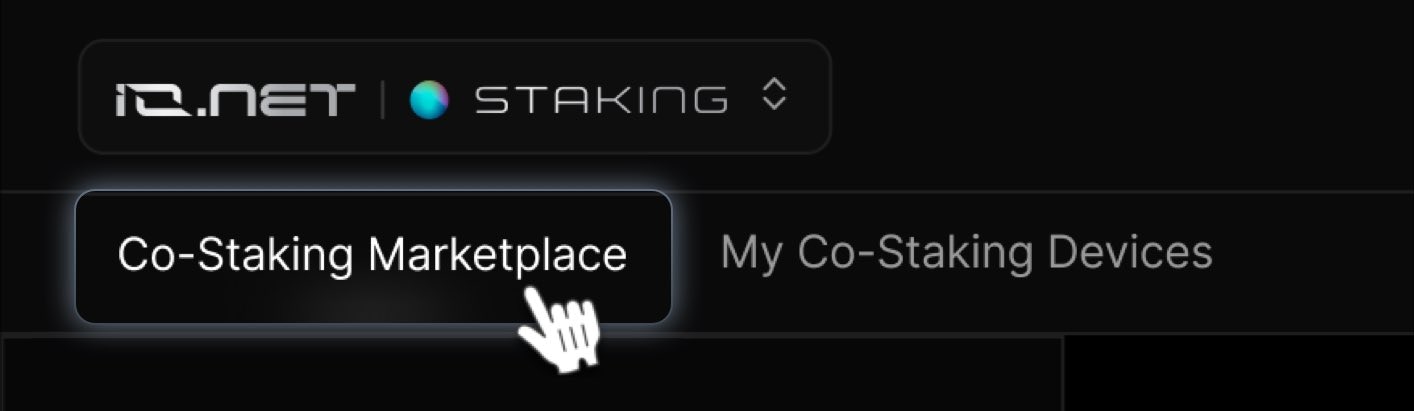
To explore staking opportunities, go to **IO Staking** > **Co-staking Marketplace**. The marketplace provides all the information you need to make informed decisions.
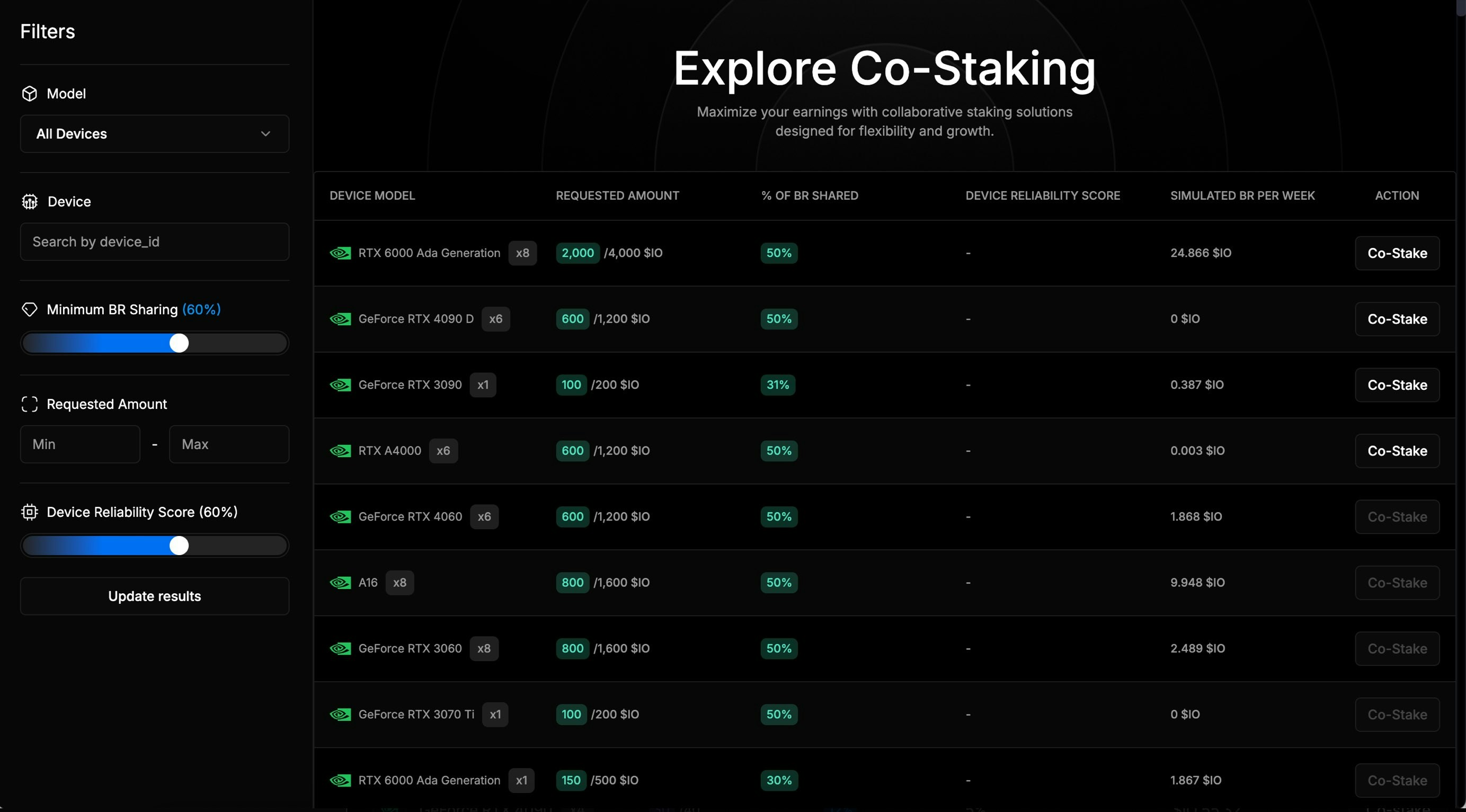
 The marketplace includes filters for:
* **Device Model:** GPU or CPU type.
* **Device ID:** Search by device ID.
* **Requested Amount:** Amount of \$IO requested by the device owner.
* **Reliability**: Indicates device dependability.
* **Offered Reward Percentage:** Block reward percentage shared with co-stakers.
The screenshot below provides an example of Co-Staking offers.
The marketplace includes filters for:
* **Device Model:** GPU or CPU type.
* **Device ID:** Search by device ID.
* **Requested Amount:** Amount of \$IO requested by the device owner.
* **Reliability**: Indicates device dependability.
* **Offered Reward Percentage:** Block reward percentage shared with co-stakers.
The screenshot below provides an example of Co-Staking offers.
 ## Co-stake to a Device
To ensure that more users can benefit from co-staking offers, we have set a claim cap of up to two offers per IO account.
To co-stake a device:
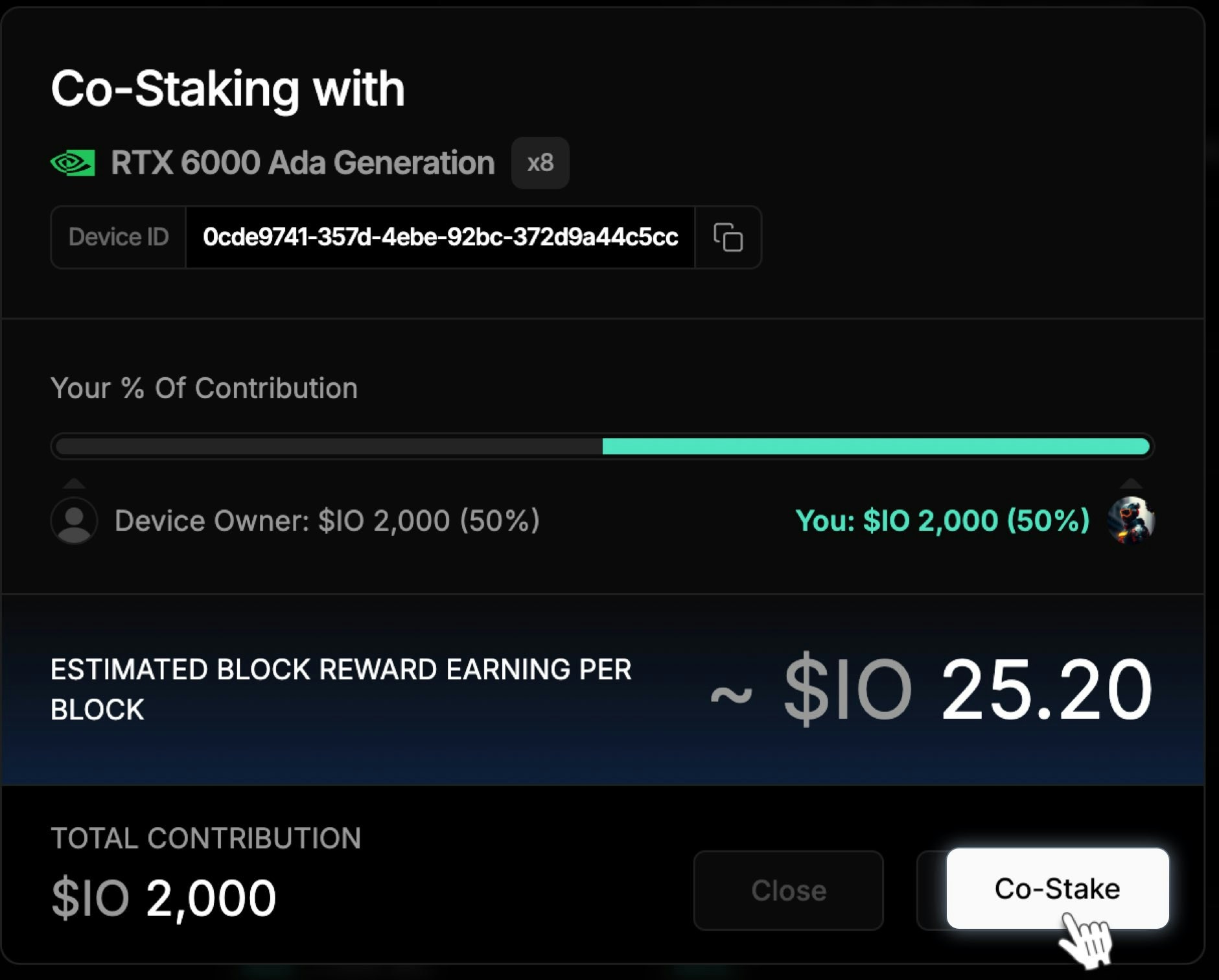
1. Click the **Co-stake** button next to the device to view a summary of the offer.
## Co-stake to a Device
To ensure that more users can benefit from co-staking offers, we have set a claim cap of up to two offers per IO account.
To co-stake a device:
1. Click the **Co-stake** button next to the device to view a summary of the offer.
 2. If you agree with the terms, click **Stake**
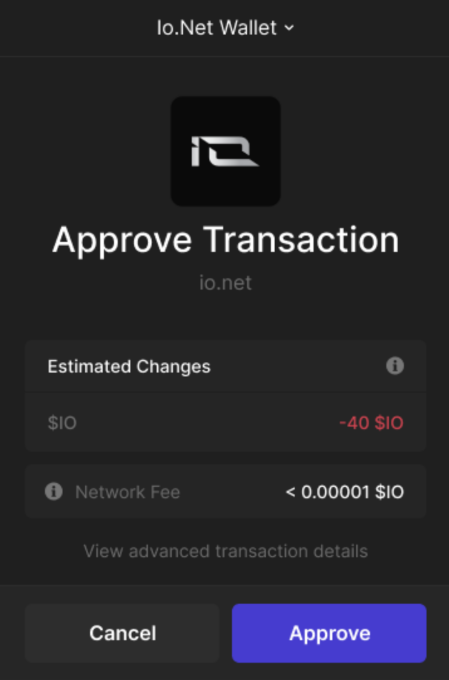
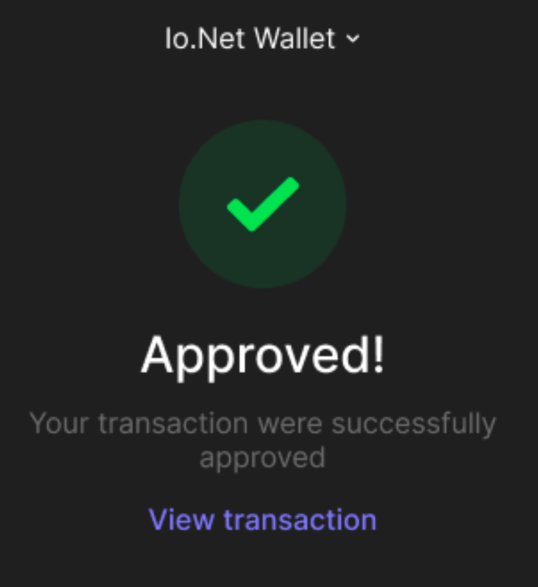
 3. Approve the transaction in your wallet app (**e.g., Phantom**). The interface may vary depending on your wallet..
 4. The status will first show **Sending** and then change to **Approved**.
 To see your co-staked device, go to the **Third-Party Co-Staking Devices** tab.