> ## Documentation Index
> Fetch the complete documentation index at: https://io.net/docs/llms.txt
> Use this file to discover all available pages before exploring further.
# Create a Co-staking Offer
> Co-Staking operates as a smart contract on the blockchain, allowing device owners to invite co-stakers to contribute to their stake in exchange for a share of block rewards.
## Table of Contents
* [Create a Co-staking Offer](/guides/staking/create-a-co-staking-offer#create-a-co-staking-offer)
* [Offer Status](/guides/staking/create-a-co-staking-offer#offer-status)
* [Check Co-Staked Devices](/guides/staking/create-a-co-staking-offer#check-co-staked-devices)
### Create a Co-staking Offer
**Prerequisite**
Before creating a Co-Staking offer, ensure that your device meets the **minimum staking requirement**. If the requirement is not met, the option to create a Co-Staking offer will be disabled (grayed out).
**Steps to Create a Co-Staking Offer**
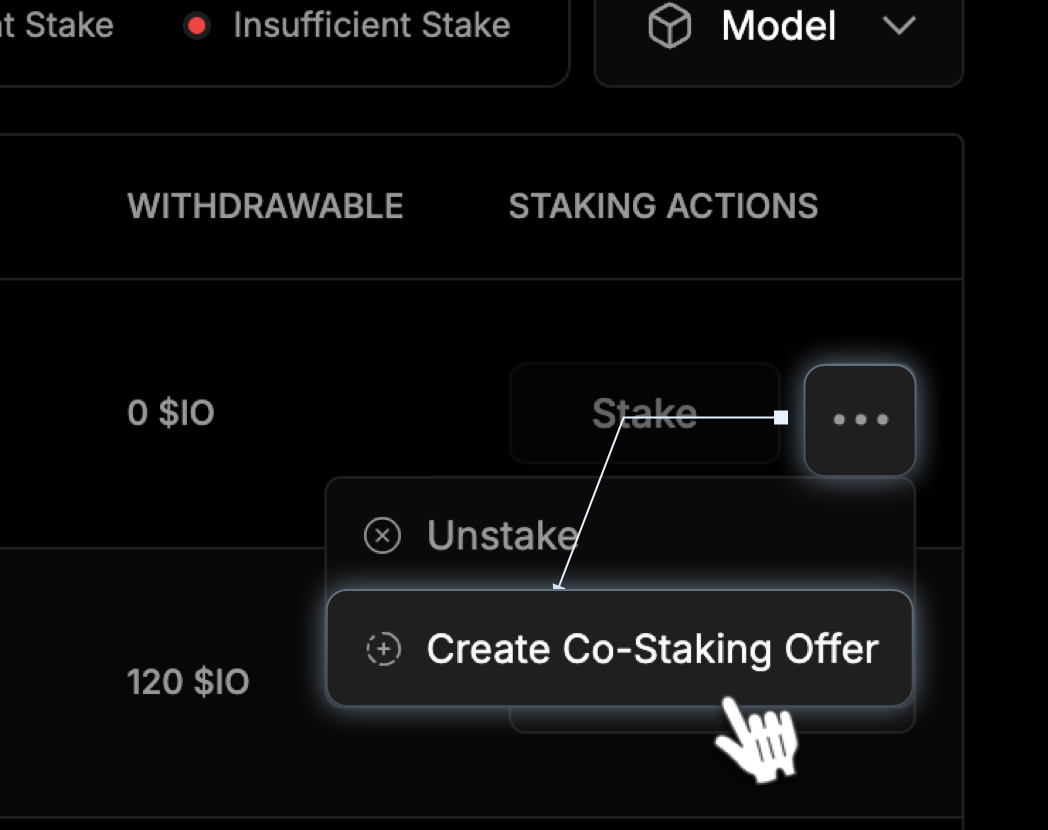
1. In the **Staking Actions** column, click the three dots next to your device and select **Create Co-Staking Offer.**
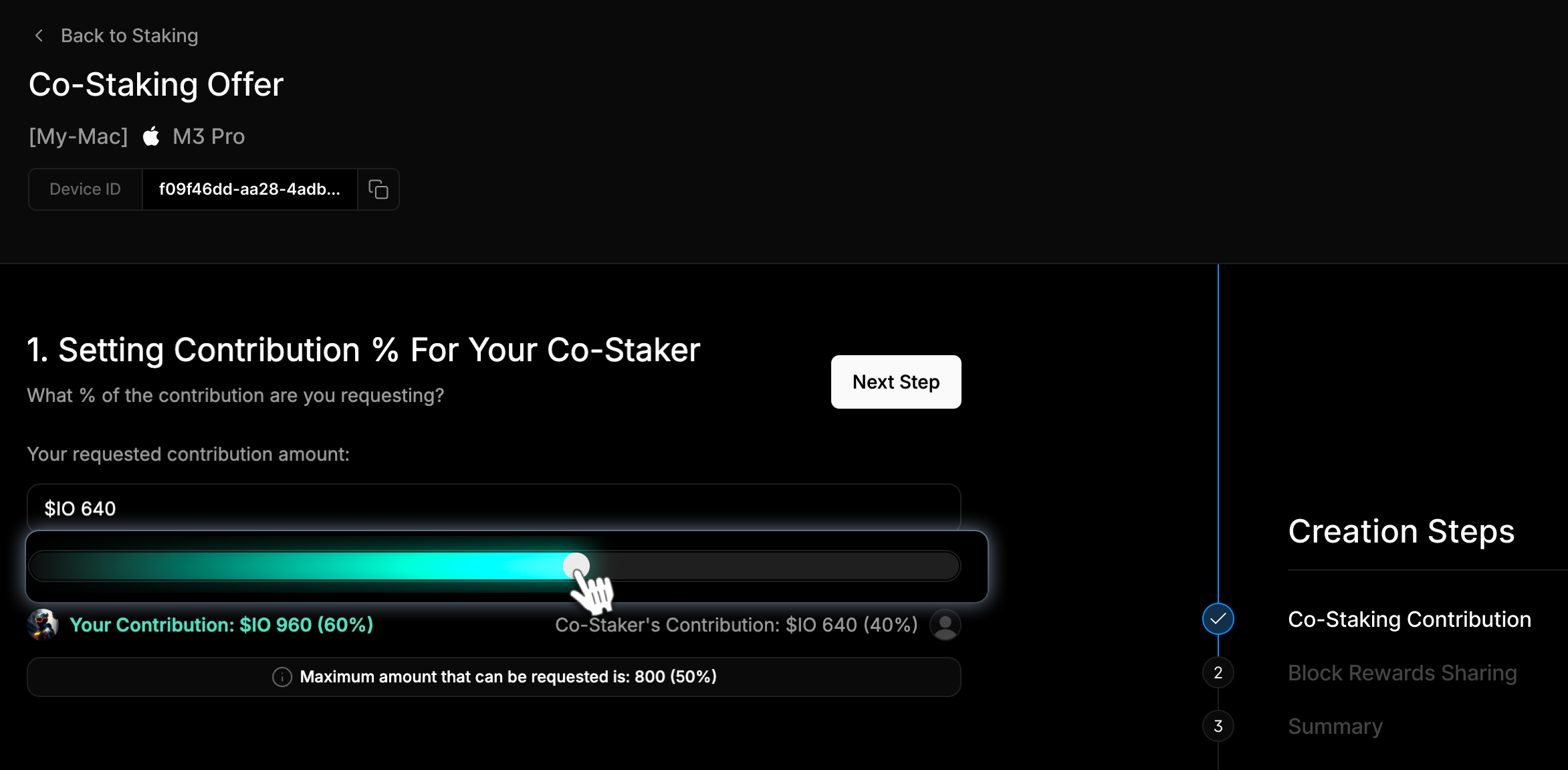
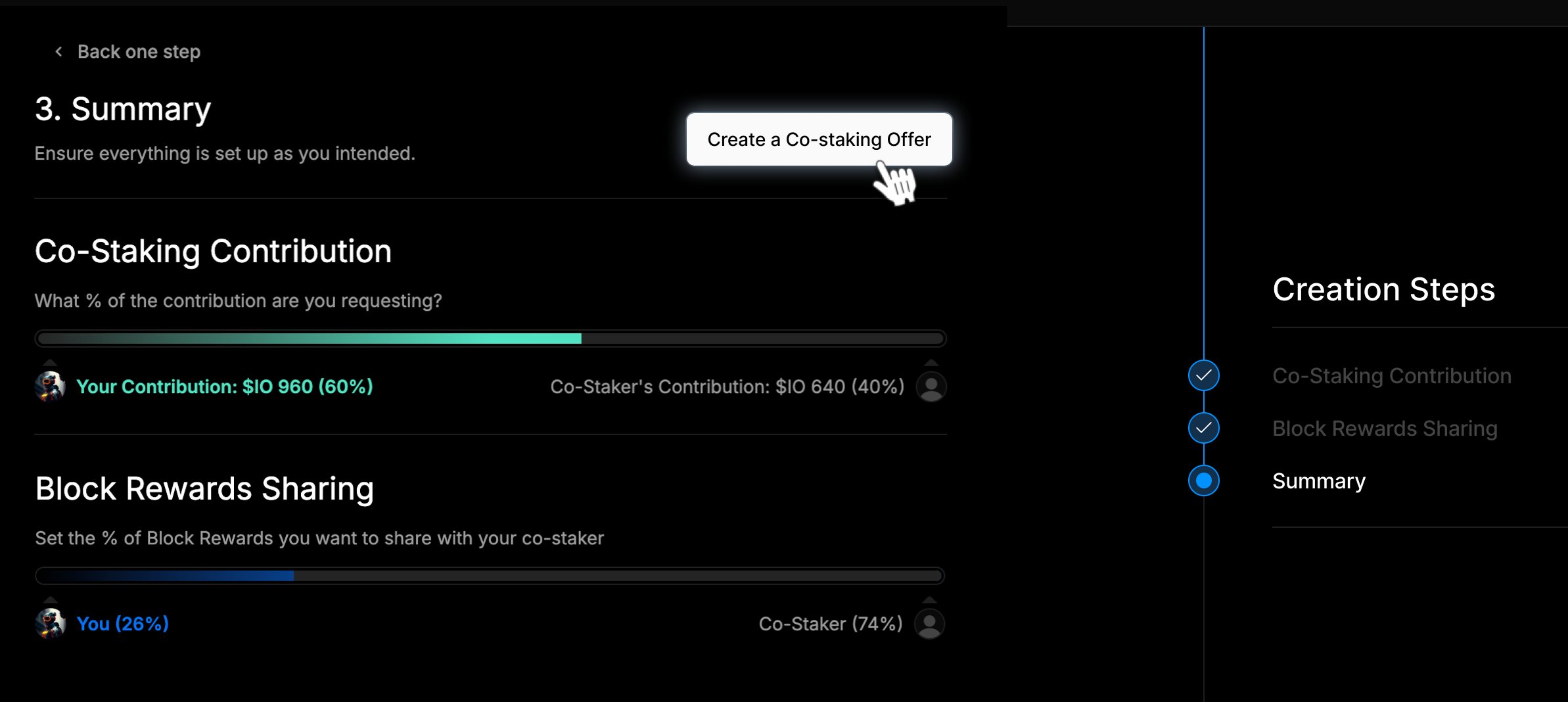
 2. Set the amount of IO you’re requesting from a potential co-staker using the slider on the **Co-Staker Contribution** page. *The maximum co-stake is 50% of the total stake.*
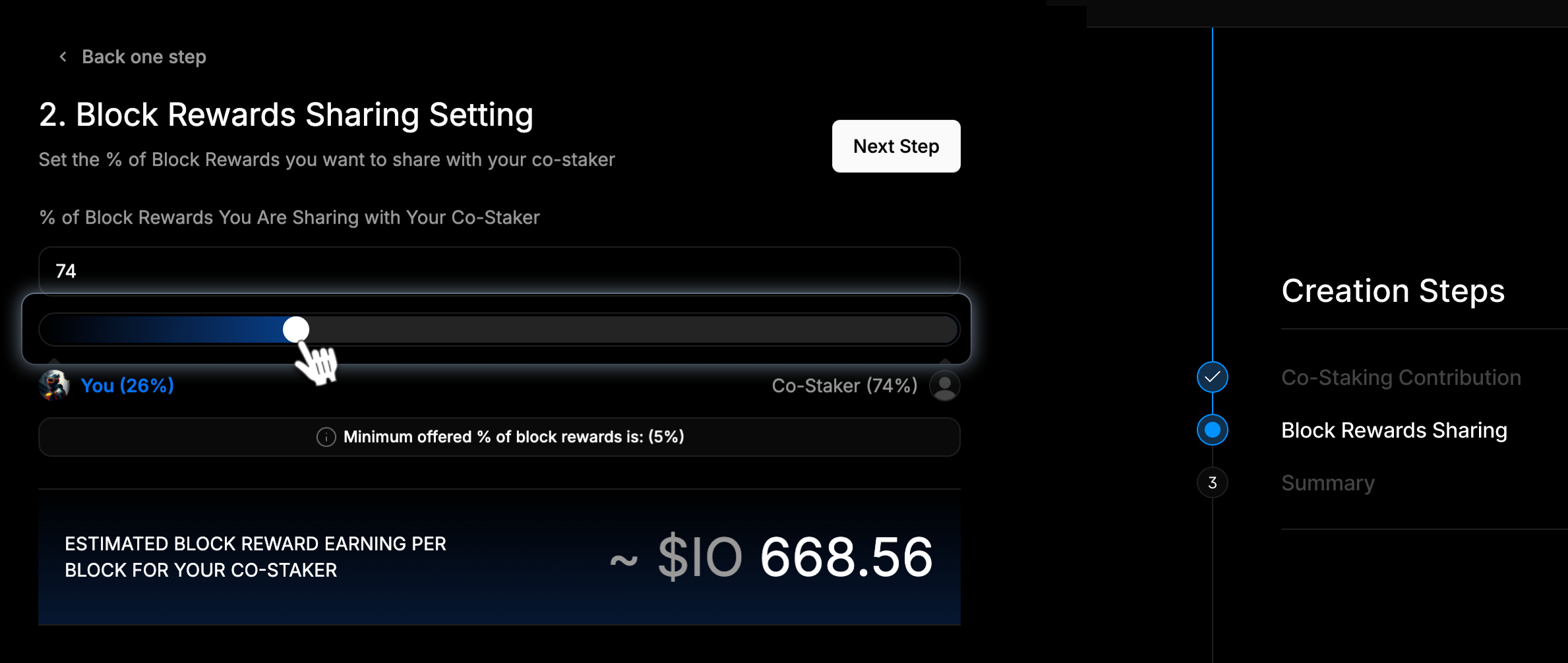
 3. On the **Block Reward Sharing** page, define the reward percentage for the co-staker using the slider. In the screenshot below, the co-staker will receive 74% of the block reward. Below the slider, we provide the estimated block reward per block for your co-staker based on the previous 7-day average.
 4. Review your choices on the **Summary** page and click **Create a Co-Staking Offer**.
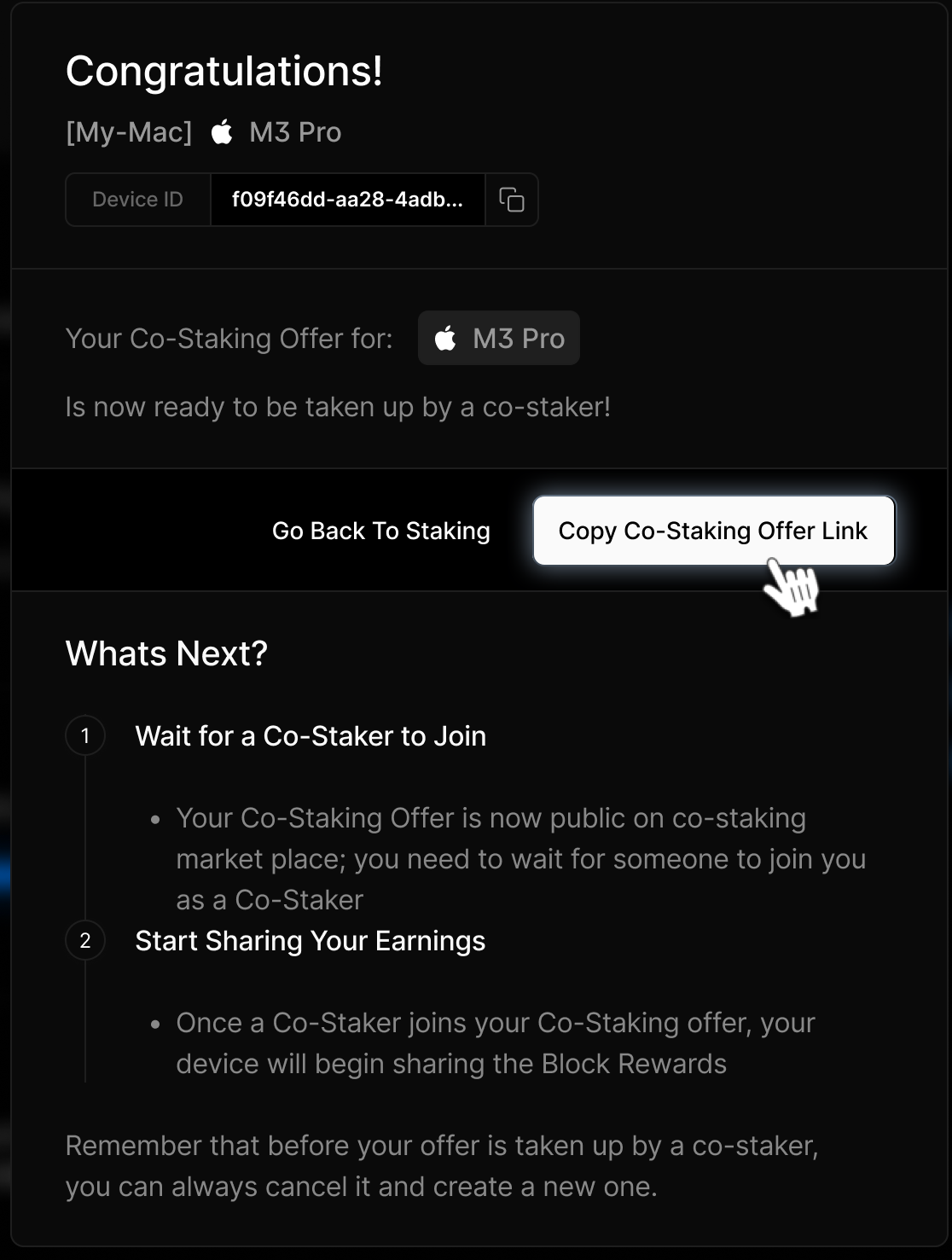
 5. A unique offer link will be generated. Share this link with your collaborators.
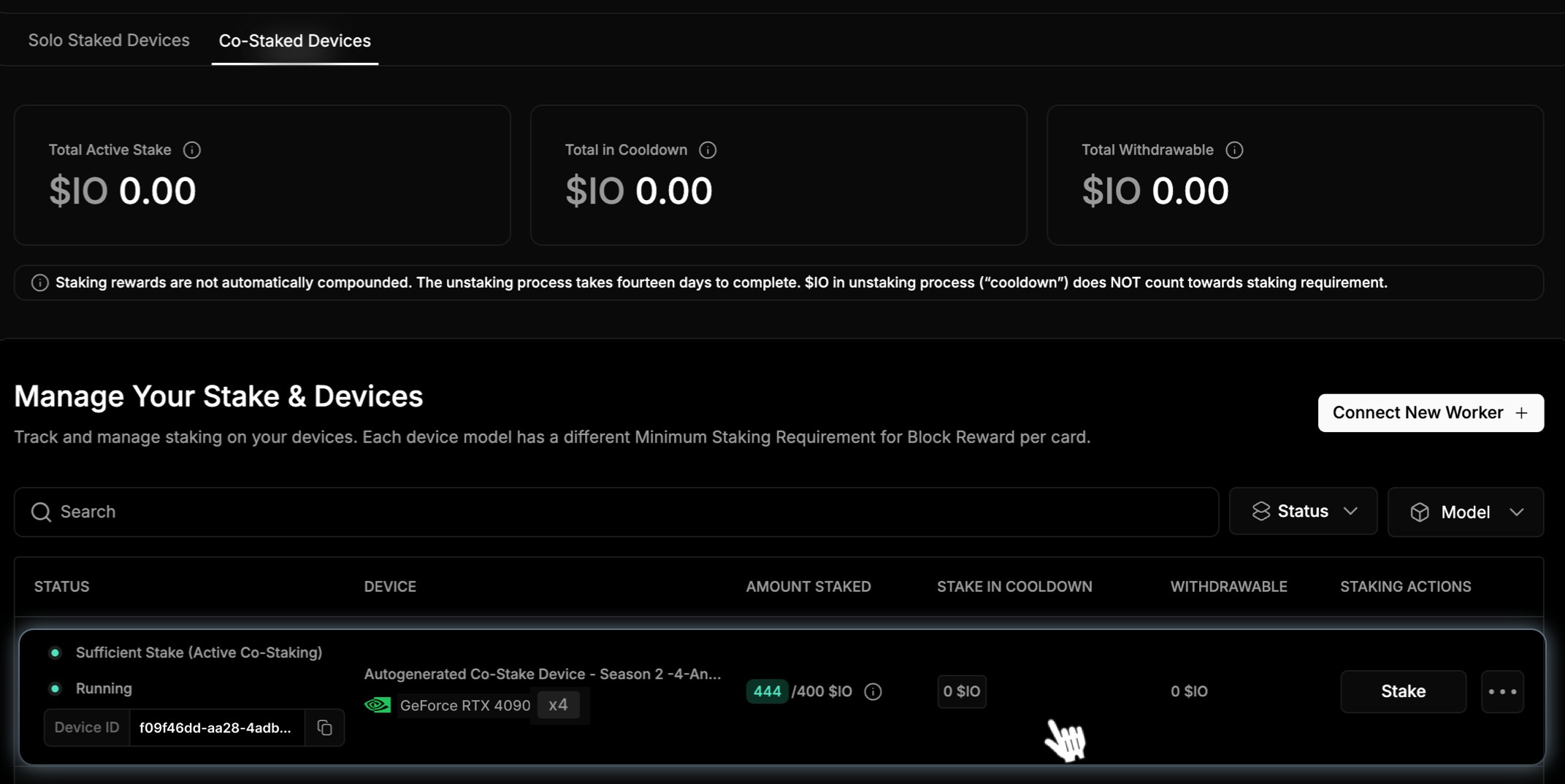
 6. To see your device, return to the Staking section and find your device listed under the **Co-Staking Devices** tab.
 ### Offer Status
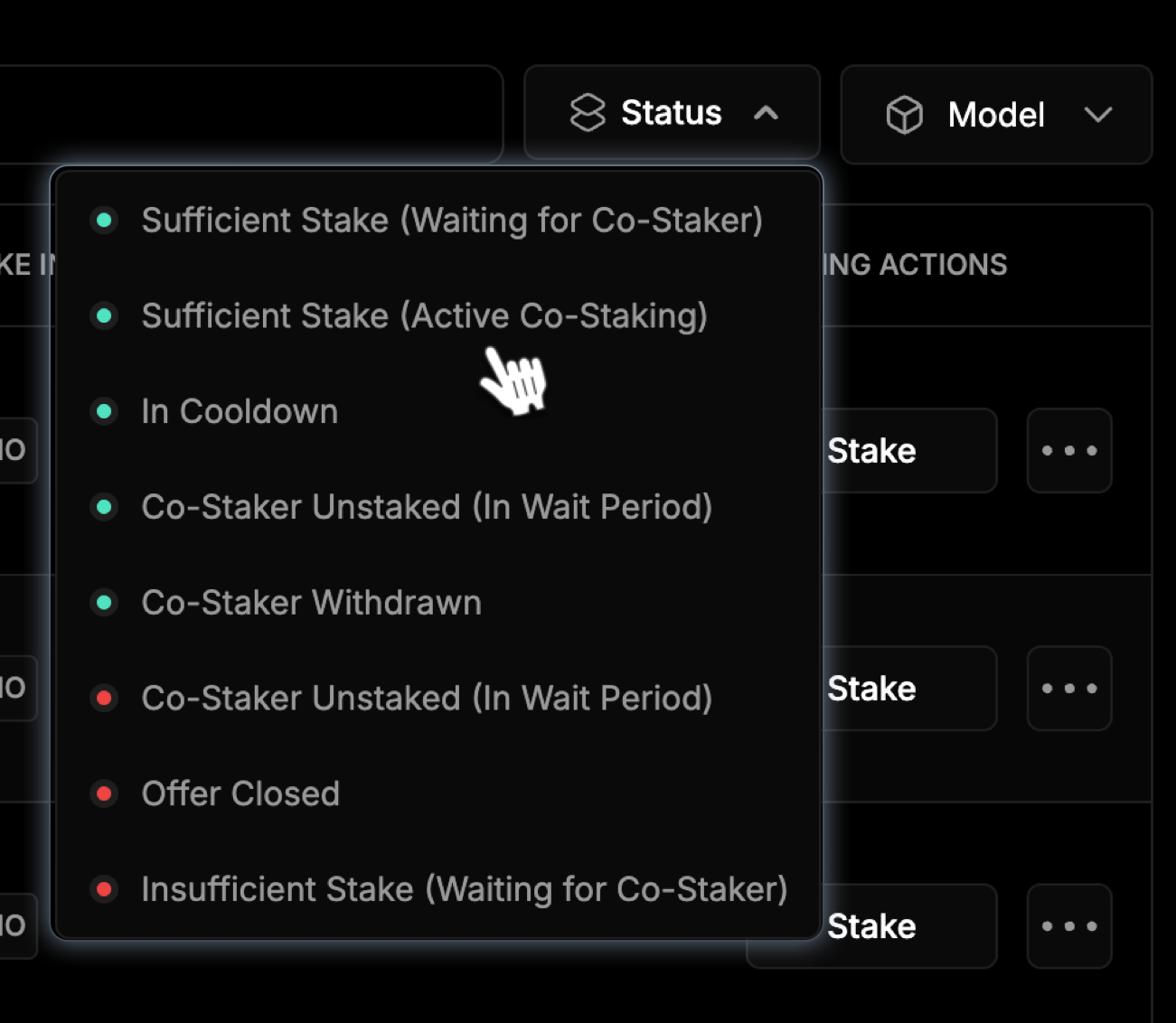
Track your Co-Staking offer in the **Co-Staking** Devices tab. Statuses include:
* **Sufficient State (Wait Period):** The co-staker has unstaked, and their contribution is in the 7-day **Wait Period**. The stake still counts toward the device’s minimum staking requirement but does not earn block rewards.
* **Sufficient State (Waiting for Co-Staker):** The owner has staked the device and is awaiting a co-staker.
* **In Cooldown:** The unstaking process has completed the wait period and is now in a **14-day cooldown**, where funds remain locked.
* **Co-Staker Withdrawn:** The co-staker has successfully withdrawn their funds after completing the unstaking process.
* **Co-Staker Unstaked (In Wait Period):** The co-staker has initiated unstaking, and their funds are in the **7-day wait period.**
* **Offer Closed:** The offer has been closed by the owner or due to other circumstances and is no longer available in the marketplace.
* **Insufficient Stake (Waiting for Co-Staker):** The device does not meet the minimum stake requirement and is waiting for a co-staker to fulfill it.
### Offer Status
Track your Co-Staking offer in the **Co-Staking** Devices tab. Statuses include:
* **Sufficient State (Wait Period):** The co-staker has unstaked, and their contribution is in the 7-day **Wait Period**. The stake still counts toward the device’s minimum staking requirement but does not earn block rewards.
* **Sufficient State (Waiting for Co-Staker):** The owner has staked the device and is awaiting a co-staker.
* **In Cooldown:** The unstaking process has completed the wait period and is now in a **14-day cooldown**, where funds remain locked.
* **Co-Staker Withdrawn:** The co-staker has successfully withdrawn their funds after completing the unstaking process.
* **Co-Staker Unstaked (In Wait Period):** The co-staker has initiated unstaking, and their funds are in the **7-day wait period.**
* **Offer Closed:** The offer has been closed by the owner or due to other circumstances and is no longer available in the marketplace.
* **Insufficient Stake (Waiting for Co-Staker):** The device does not meet the minimum stake requirement and is waiting for a co-staker to fulfill it.
 ### Managing Co-Staked Devices
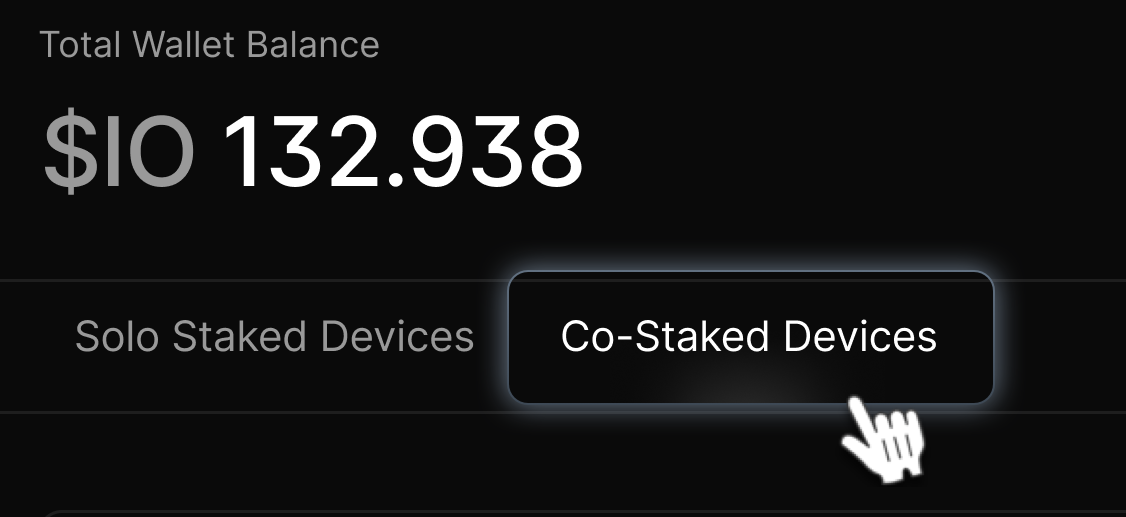
1. To view and manage your co-staked devices, click **Co-Staked Devices** tab.
### Managing Co-Staked Devices
1. To view and manage your co-staked devices, click **Co-Staked Devices** tab.
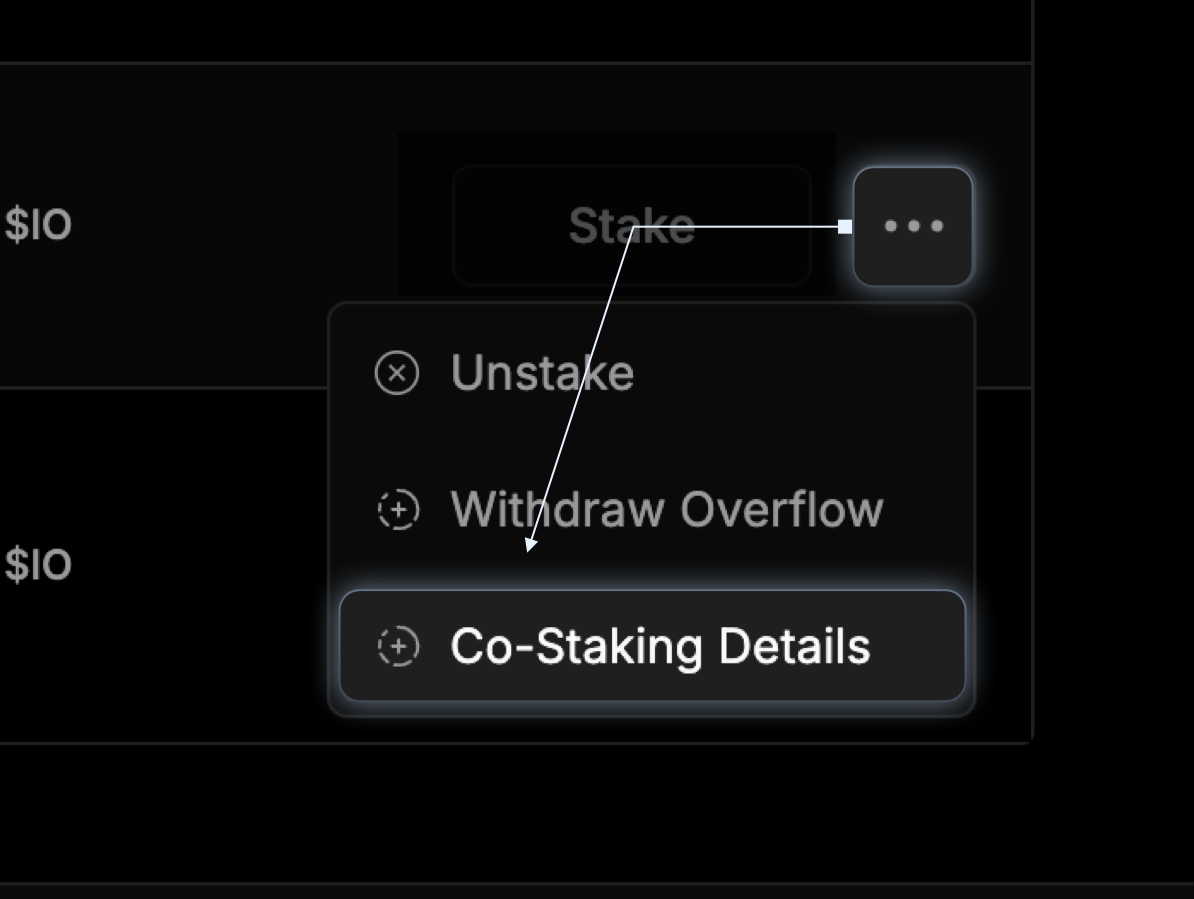
 2. To view offers, click the ellipsis next to the device and choose **Co-Staking Details**.
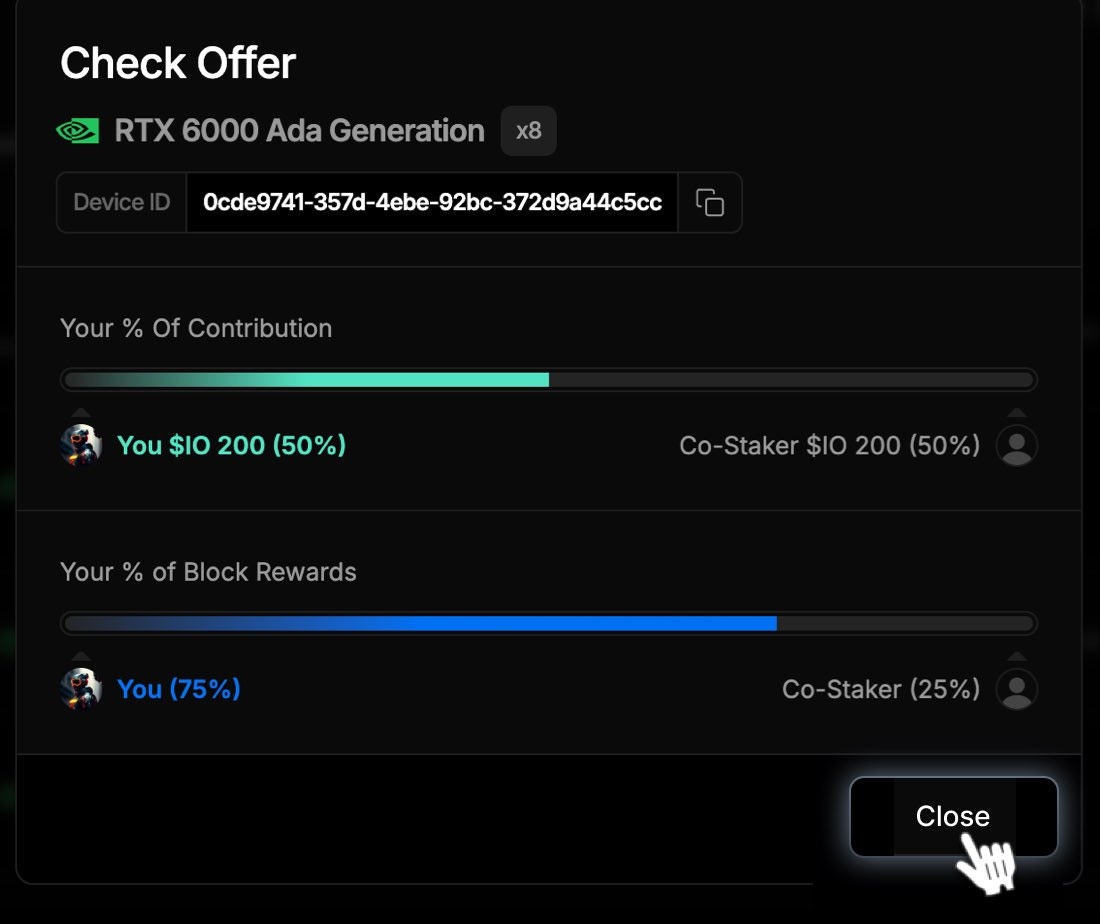
 3. The Check Offer modal shows you the parameters of the **Co-Staked Device**.