> ## Documentation Index
> Fetch the complete documentation index at: https://io.net/docs/llms.txt
> Use this file to discover all available pages before exploring further.
# Connectivity Displays Incorrectly
> To troubleshoot connectivity tier issues, users can test network speeds via a sample Docker container. Here's how:
1. Pull the Python 3.9 Slim container:
```
docker pull python:3.9-slim
```
2. Run the container:
```
docker run -it --name speedtest-container python:3.9-slim /bin/bash
```
3. Install the speedtest tool:
```
pip install speedtest-cli
```
4. Test the network speed:
```
speedtest-cli
```
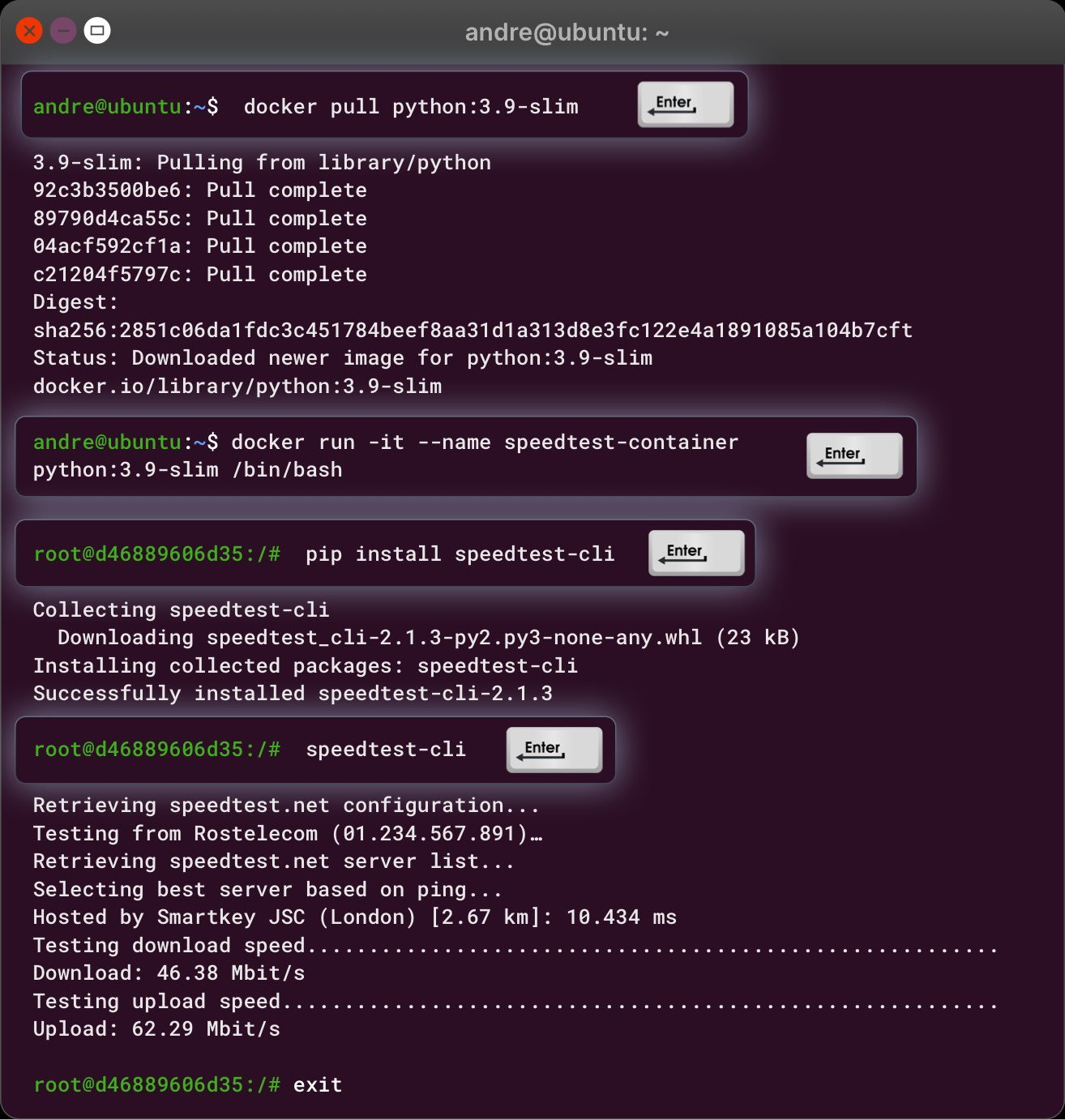 We recommend running similar speed tests periodically within your containers to monitor connectivity performance. You can also guide users on how to perform these tests at regular intervals or during specific instances for troubleshooting.