> ## Documentation Index
> Fetch the complete documentation index at: https://io.net/docs/llms.txt
> Use this file to discover all available pages before exploring further.
# Getting Started with AI Models API
### Important Note on Usage Limits
Each model within **IO Intelligence** has its own value and credit consumption rate based on its complexity, capability, and computational cost.
For **plan subscribers** (*Basic*, *Professional*, or higher tiers), all model interactions draw from a **shared usage pool**. This means you can use any model available under your plan, and your total usage will count toward a single shared credit allowance — rather than having separate limits for each model.
This shared system provides maximum flexibility, allowing you to switch between models seamlessly while staying within your daily or hourly quota.
This limit is designed to ensure fair and balanced usage for all users. If you anticipate needing a higher request limit, please consider optimizing your implementation or reach out to us for assistance.
For further details on **usage limits, full breakdown of rates, and how IO Credits are billed**, refer to the [**IO Intelligence Payments**](/guides/payment/io-intelligence-payments) page.
## Introduction
You can interact with the API using HTTP requests from any programming language or by using the official Python and Node.js libraries.
To install the official Python library, run the following command:
```
pip install openai
```
To install the official Node.js library, run this command in your Node.js project directory:
```
npm install openai
```
### Example: Using the IO Intelligence API with Python
Here’s an example of how you can use the `openai Python` library to interact with the IO Intelligence API:
```python openai Python theme={null}
import openai
client = openai.OpenAI(
api_key="$IOINTELLIGENCE_API_KEY",
base_url="https://api.intelligence.io.solutions/api/v1/",
)
response = client.chat.completions.create(
model="meta-llama/Llama-3.3-70B-Instruct",
messages=[
{"role": "system", "content": "You are a helpful assistant."},
{"role": "user", "content": "Hi, I am doing a project using IO Intelligence."},
],
temperature=0.7,
stream=False,
max_completion_tokens=50
)
print(response.choices[0].message.content)
```
This snippet demonstrates how to configure the client, send a chat completion request using the `Llama-3.3-70B-Instruct` model, and retrieve a response.
## Authentication
### API keys
IO Intelligence APIs authenticate requests using API keys. You can [generate API keys from your user](https://ai.io.net/ai/api-keys) account:
Always treat your API key as a secret. Do not share it or expose it in client-side code (e.g., browsers or mobile apps). Instead, store it securely in an environment variable or a key management service on your backend server.
Include the API key in an `Authorization` HTTP header for all API requests:
```
Authorization: Bearer \$IOINTELLIGENCE_API_KEY
```
### Example: List Available Models
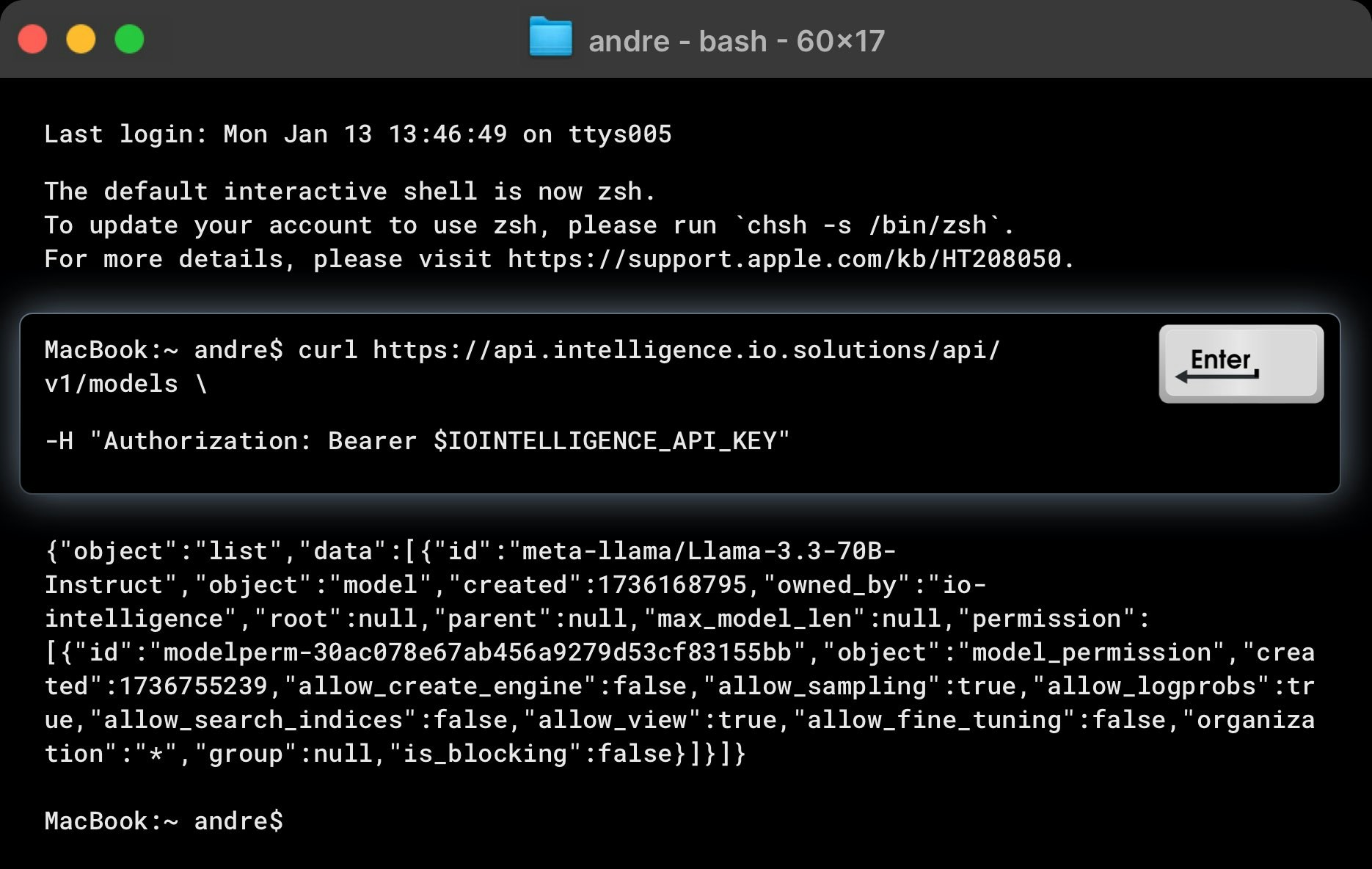
Here's an example `curl` command to list all models available in IO Intelligence:
```curl curl theme={null}
curl https://api.intelligence.io.solutions/api/v1/models /
-H "Authorization: Bearer \$IOINTELLIGENCE_API_KEY"
```
An example response is as follows:
```json json theme={null}
{
"object": "list",
"data": [
{
"id": "meta-llama/Llama-3.3-70B-Instruct",
"object": "model",
"created": 1736168795,
"owned_by": "io-intelligence",
"root": null,
"parent": null,
"max_model_len": null,
"permission": [
{
"id": "modelperm-30ac078e67ab456a9279d53cf83155bb",
"object": "model_permission",
"created": 1736755239,
"allow_create_engine": false,
"allow_sampling": true,
"allow_logprobs": true,
"allow_search_indices": false,
"allow_view": true,
"allow_fine_tuning": false,
"organization": "*",
"group": null,
"is_blocking": false
}
]
},
...
]
}
```
## Making requests
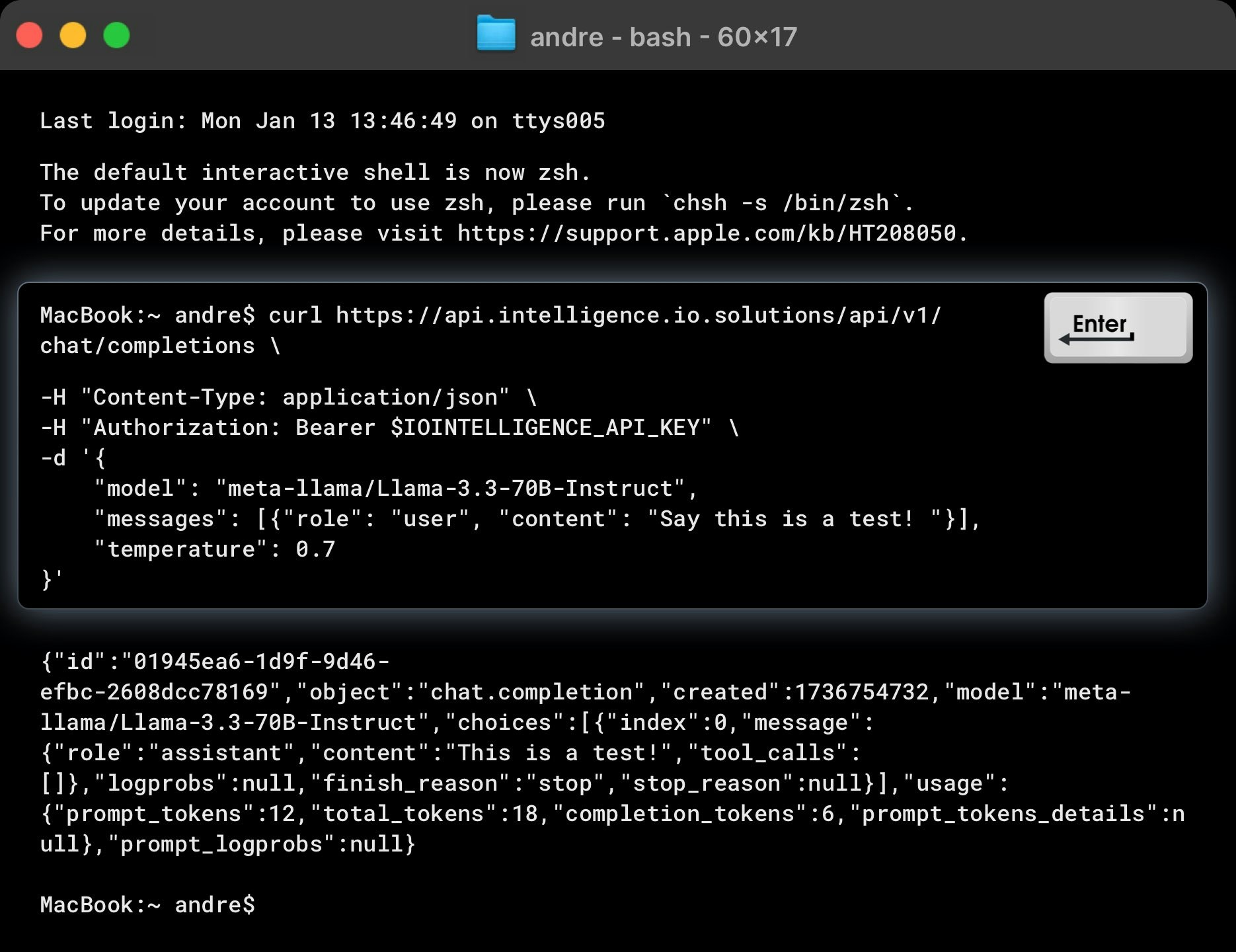
The example below demonstrates how to make a request to the Chat Completions endpoint using `curl`. To test the API, replace `$IOINTELLIGENCE_API_KEY` with your actual API key and modify the input values as shown.
```curl curl theme={null}
curl https://api.intelligence.io.solutions/api/v1/chat/completions /
-H "Content-Type: application/json" /
-H "Authorization: Bearer \$IOINTELLIGENCE_API_KEY" /
-d '{
"model": "meta-llama/Llama-3.3-70B-Instruct",
"messages": [{"role": "user", "content": "Say this is a test!"}],
"reasoning_content": true,
"temperature": 0.7
}'
```
This example queries the `meta-llama/Llama-3.3-70B-Instruct` model to generate a chat completion for the input: "*Say this is a test!*".
### Example Response
The API should return a response as follows:
```json json theme={null}
{
"id": "01945ea6-1d9f-9d46-efbc-2608dcc78169",
"object": "chat.completion",
"created": 1736754732,
"model": "meta-llama/Llama-3.3-70B-Instruct",
"choices": [
{
"index": 0,
"message": {
"role": "assistant",
"content": "This is a test!"
},
"logprobs": null,
"finish_reason": "stop",
"stop_reason": null
}
],
"usage": {
"prompt_tokens": 12,
"total_tokens": 18,
"completion_tokens": 6,
"prompt_tokens_details": null
},
"prompt_logprobs": null
}
```
### Key Details in the Response
* **finish\_reason**: Indicates why the generation stopped (e.g., "stop").
* **choices**: Contains the generated response(s). Adjust the n parameter to generate multiple response choices.
 An example response is as follows:
 This example queries the `meta-llama/Llama-3.3-70B-Instruct` model to generate a chat completion for the input: "*Say this is a test!*".
### Example Response
The API should return a response as follows:
This example queries the `meta-llama/Llama-3.3-70B-Instruct` model to generate a chat completion for the input: "*Say this is a test!*".
### Example Response
The API should return a response as follows: