Earnings and Rewards Tab
To access the Earnings and Rewards tab, go to IO Worker and click the Earnings & Rewards tab in the upper-left corner.
Rewards and Jobs
- Earnings from Block Rewards in $IO coins
- Earnings from Jobs in $IO coins
- Total time your workers were active.
- Number of jobs processed by your workers.

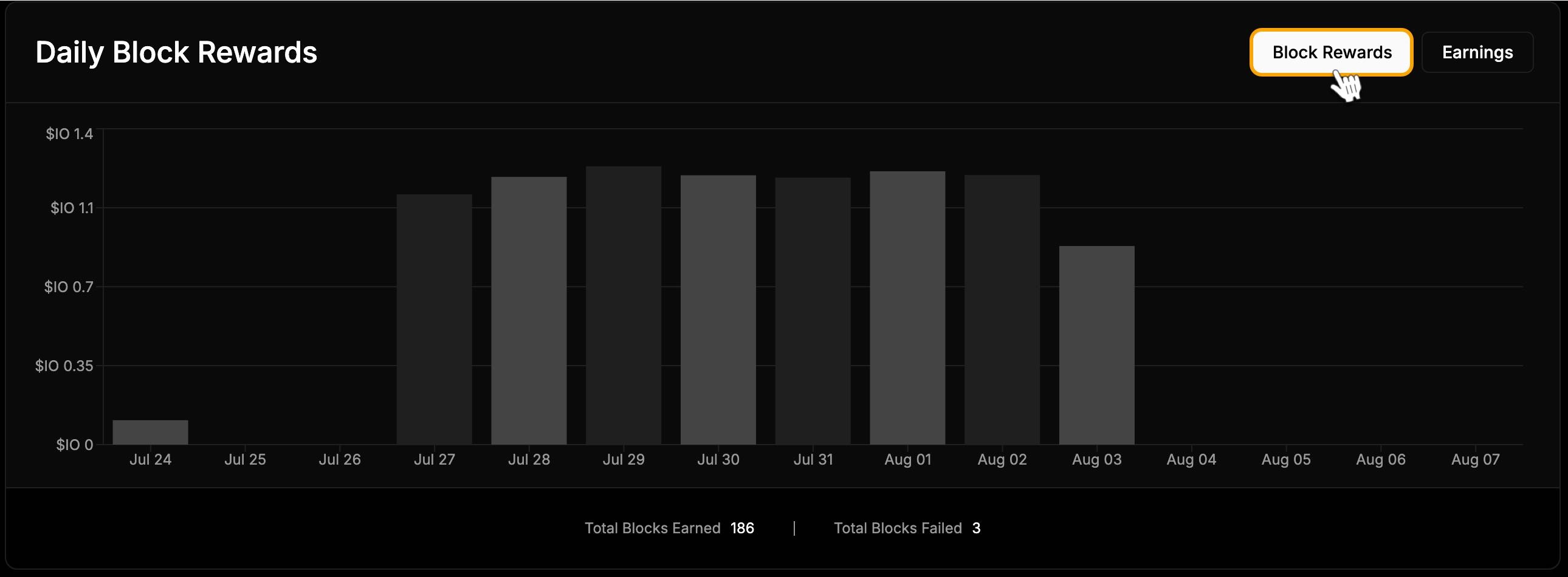
Daily Block Rewards
The graph displays your daily earnings in $IO coins from Block Rewards. Below the graph, you can see:- Total Blocks Earned
- Total Blocks Failed
Daily Earnings
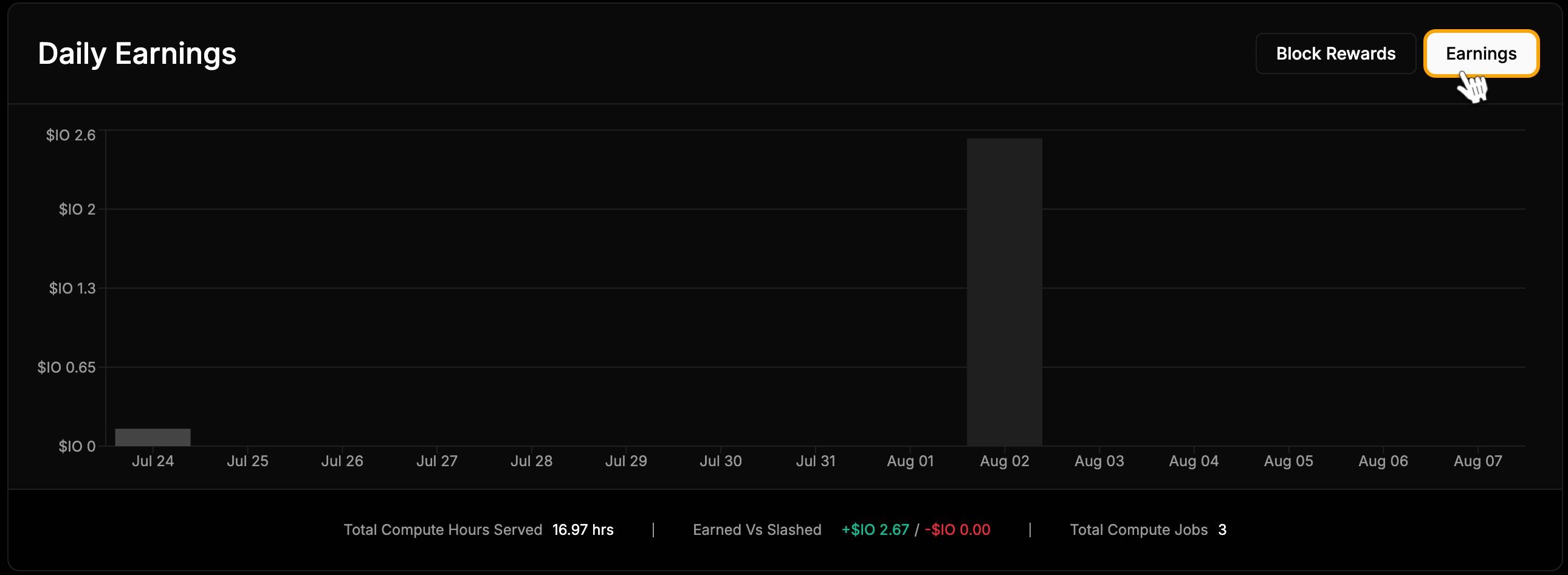
In the top-right corner of the chart, you can switch to the Earnings chart. This graph displays your daily earnings in $IO coins from common jobs performed by your workers. Below the graph, you can find:- Total Compute Hours Served
- Earned vs. Slashed
- Total Compute Jobs
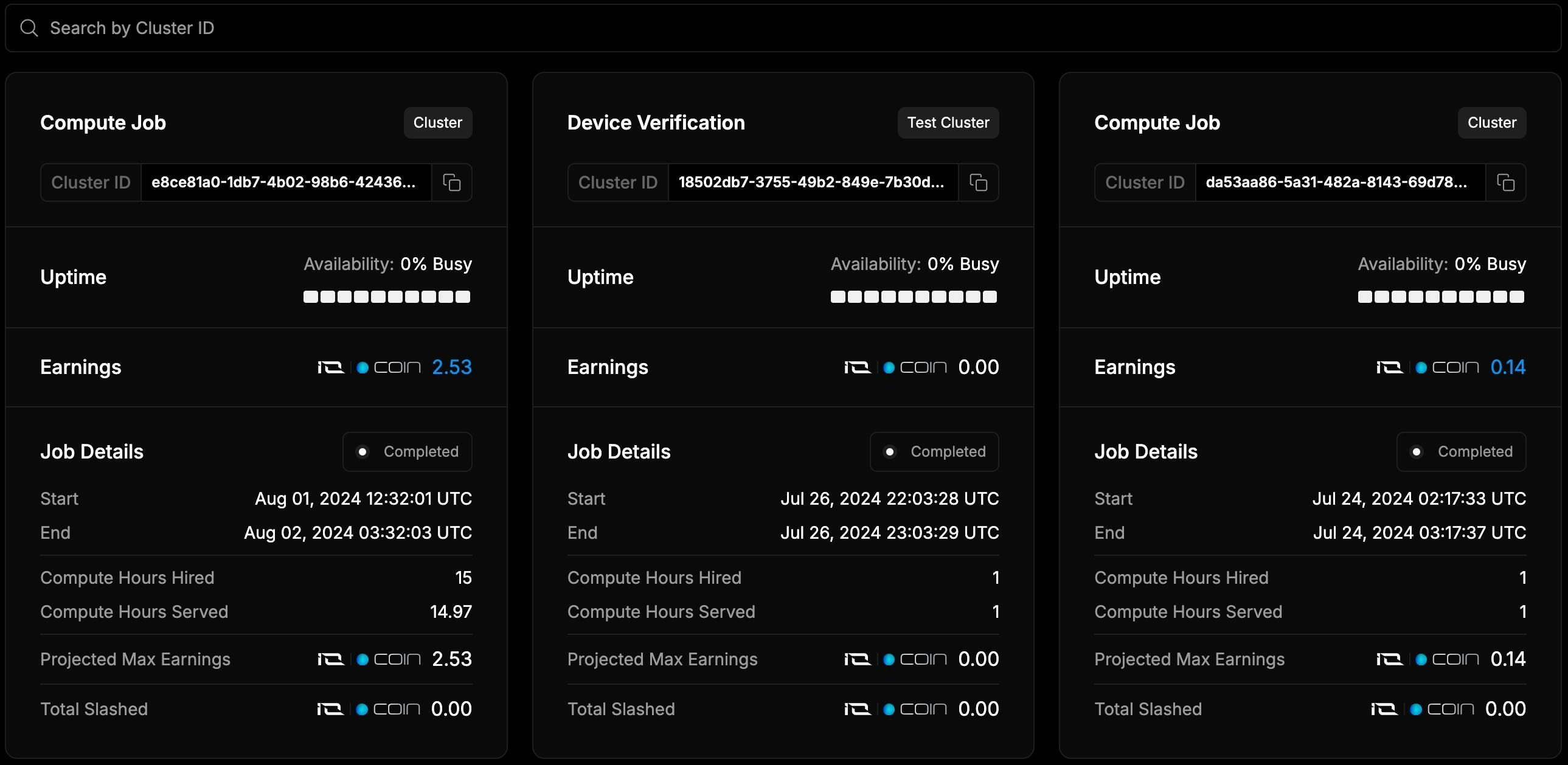
Clusters
The list shows the clusters your workers are part of and provides detailed earnings information, including:- Earnings in $IO coins
- Projected Max Earnings
- Total Slashed
Job Payments
Important: If the job is completed within a day, payment is made immediately. For jobs that last multiple days, payment is made at the end of each day. A few points:- If your Worker participated in a job and remained available throughout, it will receive payment.
- If the Worker was unavailable during the cluster process, it will not receive payment for the whole time.
- If the Worker stops within the first hour of connection, no payment will be made for that time.

View Transactions
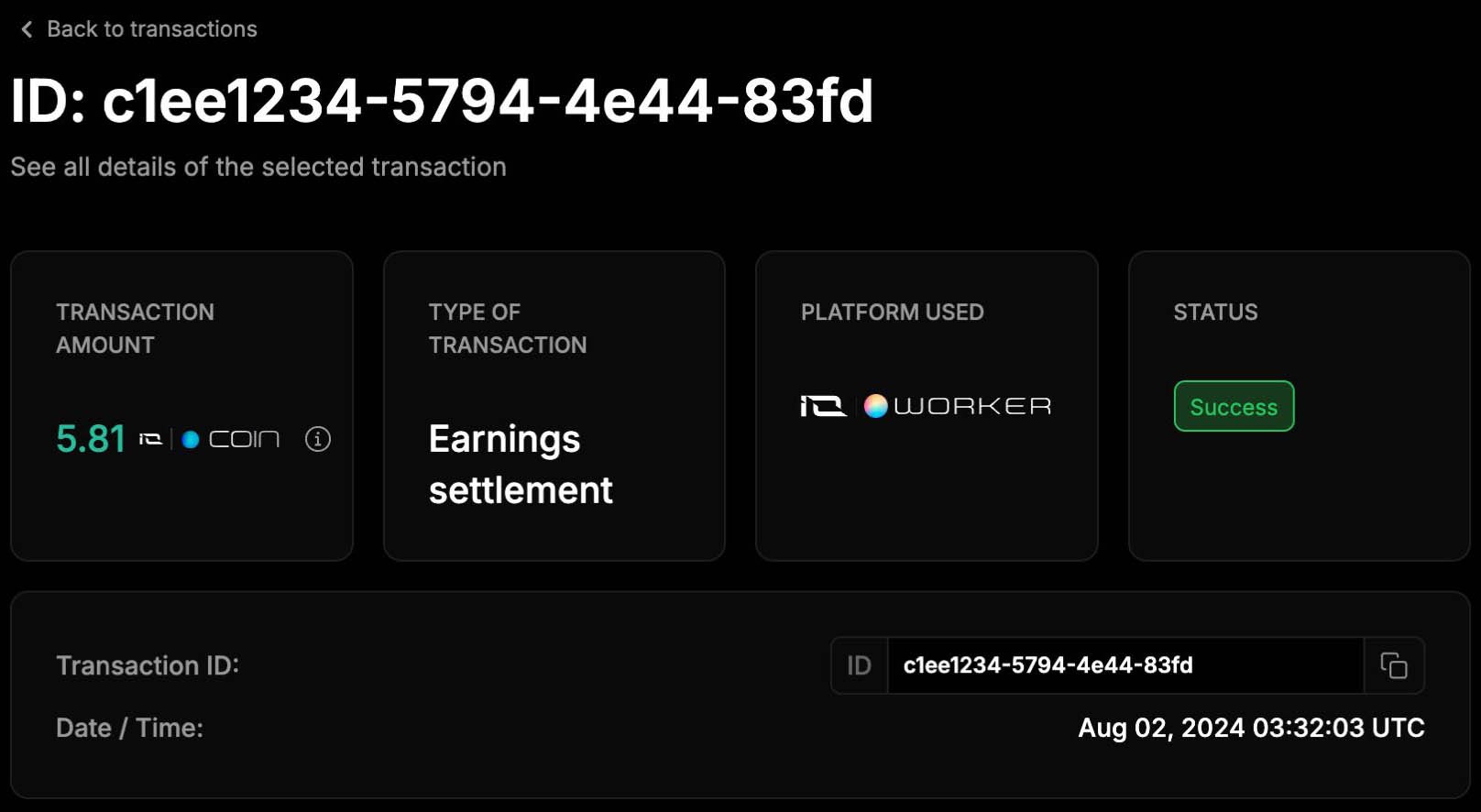
The transaction page shows: Amount and type of currency received- Transaction type
- Platform used
- Status
- Date
- Transaction ID