

-
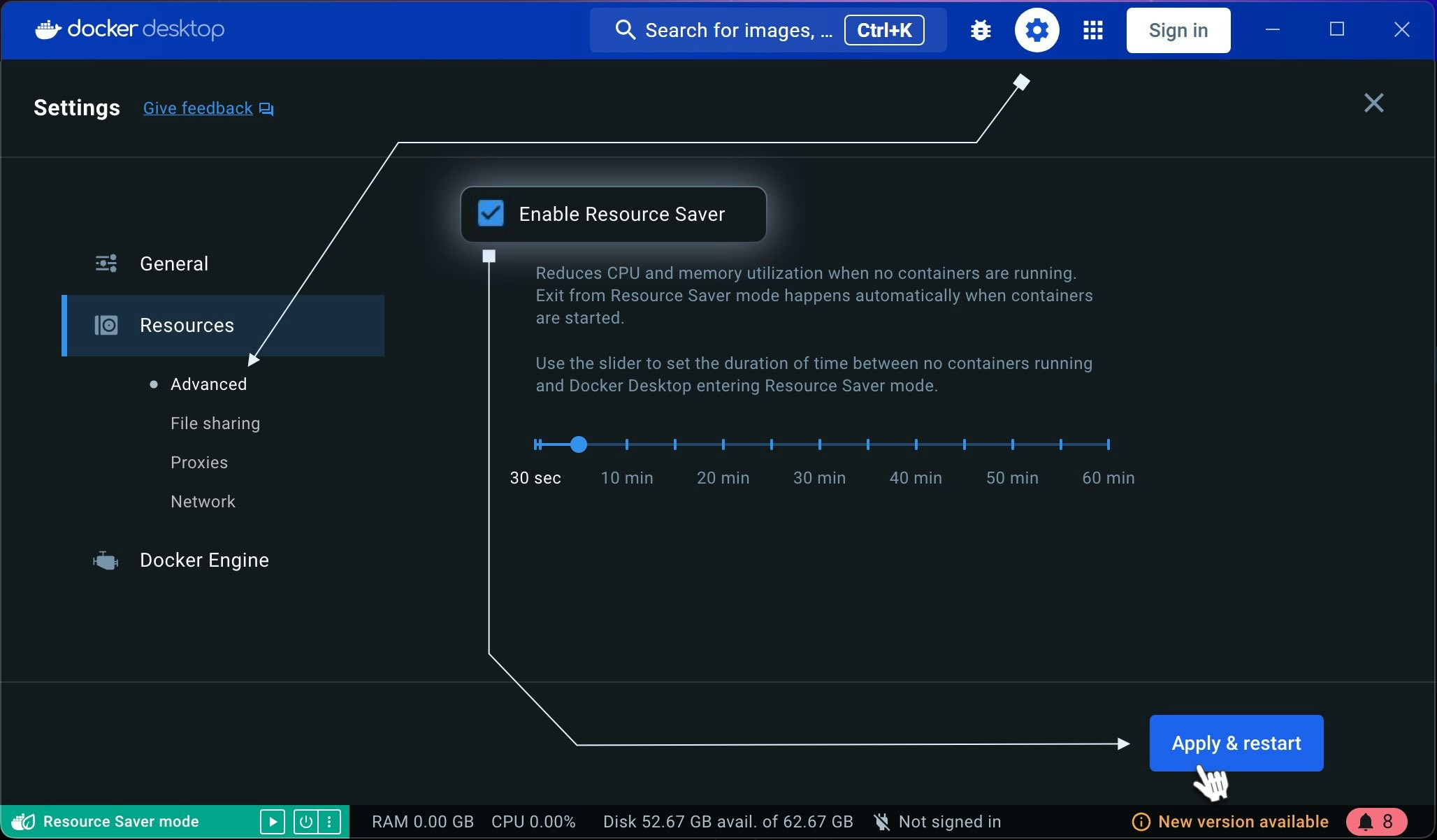
Ensure resources aren’t limited. Make sure Docker’s “Resource Saver” feature is disabled in the Resources tab of Docker Settings.
-
Check Docker Resource Allocation. Ensure Docker is allocated the minimum required CPU, RAM, and disk space. System requirements are as follows:
- Memory: At least 512MB of free RAM (2GB is recommended)
- Disk: Adequate storage to run the Docker containers you intend to use
- CPU/GPU: You can check the currently supported CPUs/GPUs.
- Verify Power Supply to GPU(s). Ensure the GPU(s) are receiving adequate power for stable operation.
Troubleshoot Docker for Linux
Worker Disconnects When Containers Are Running
If your Worker disconnects even when the containers are up, try the following checks:
Was this page helpful?